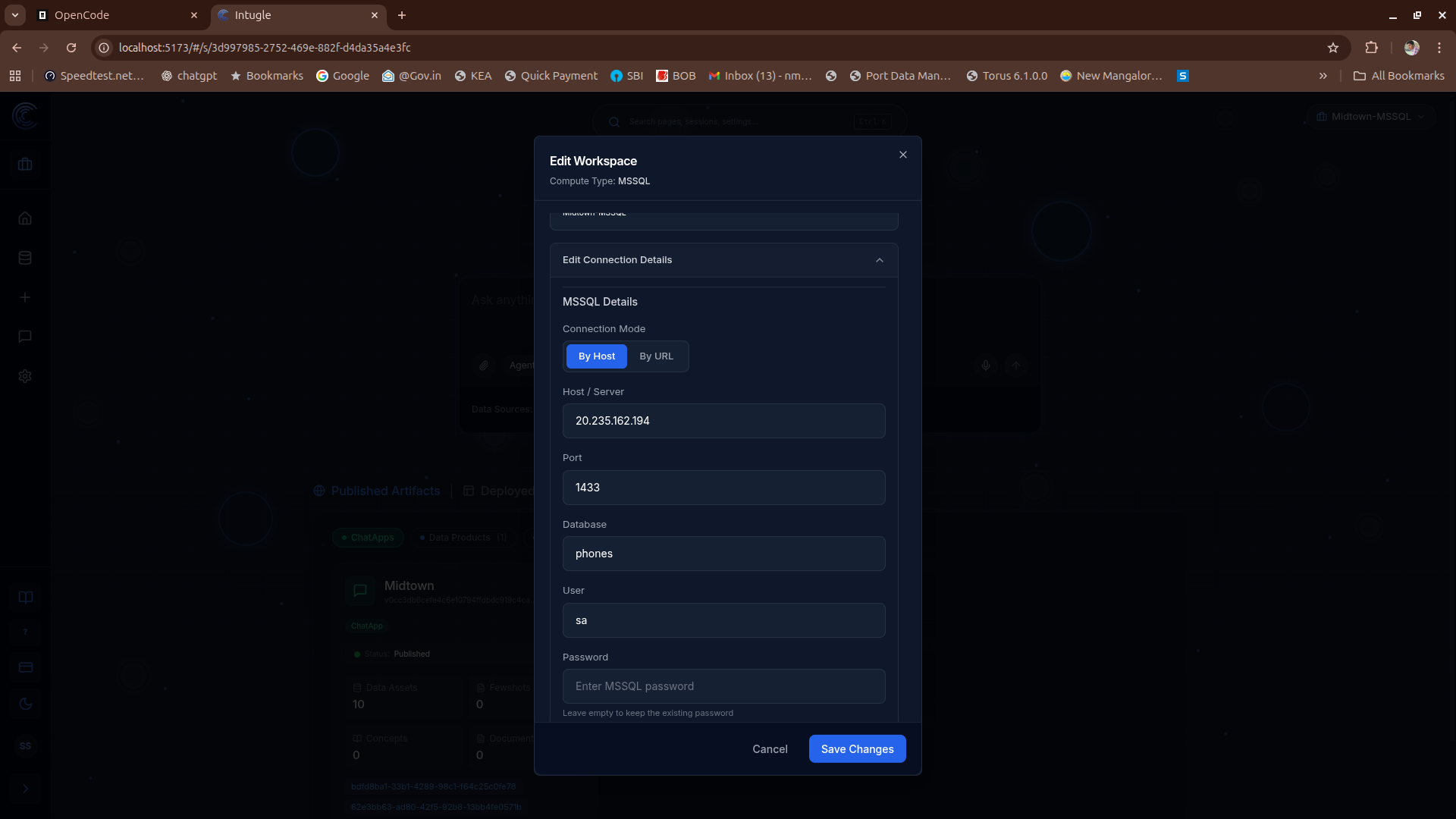
Editing Workspace Compute Connection Details
This guide explains how to edit the compute connection details for a workspace.
Steps to Edit Workspace Connection
To edit the compute connection details for an existing workspace:
- Navigate to the Workspaces list.

- Click edit button a dialog will appear, you can edit workspace name and if you click-on drop-down you can edit workspace compute details.

- Update the necessary compute connection details and save your changes.